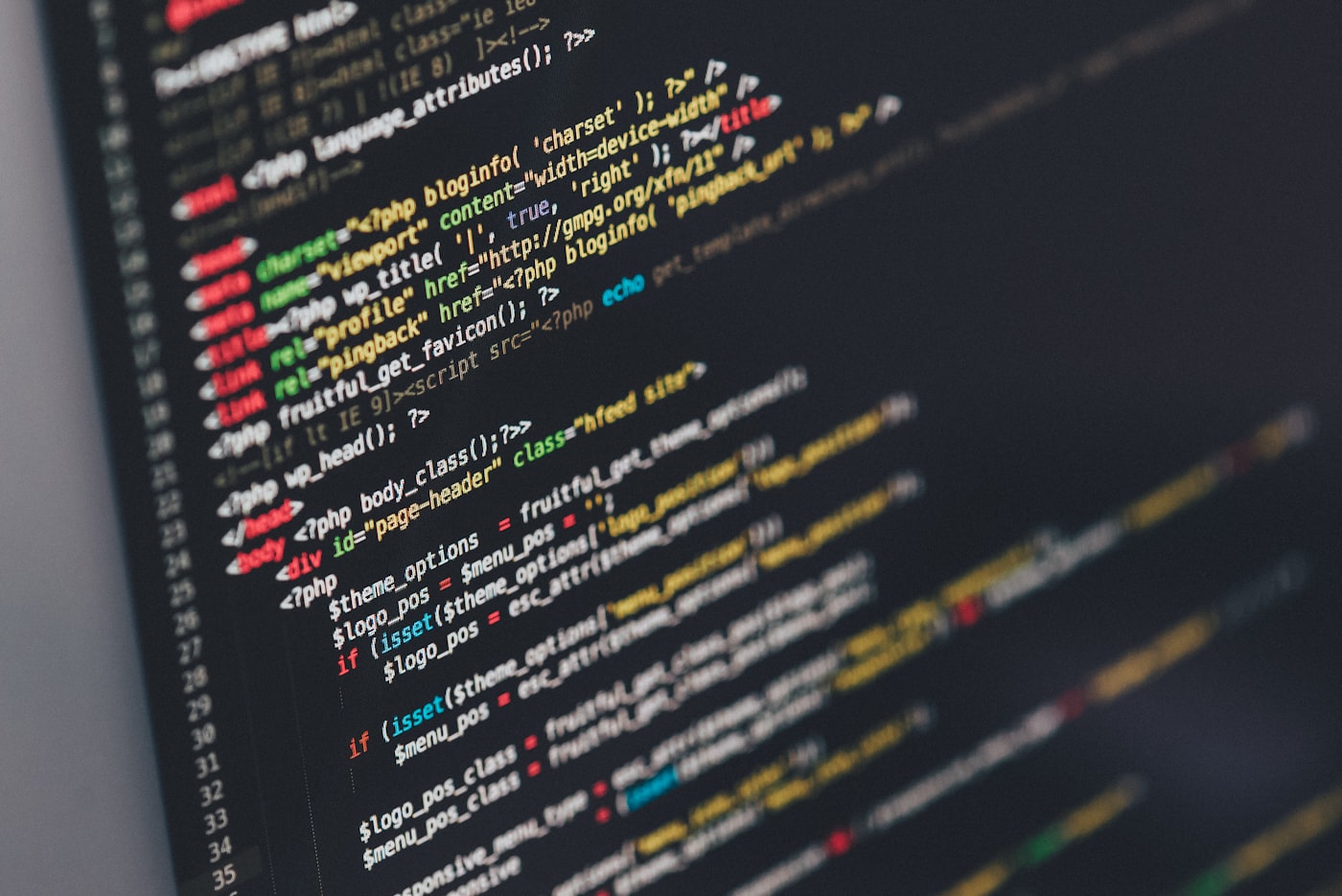
Reading code is a different skill from writing code, and it's rarely taught directly. Most developers learn it by trial and error, on the job, under time pressure — which is exactly the wrong condition for learning a new skill well. Here's a more deliberate approach.
Stop starting at the top of the file
The instinct is to open the entry point and read top to bottom, like a book. Codebases aren't written to be read that way — they're written to be executed, which means logic jumps between files constantly. Reading linearly gets you lost fast.
Start from a behavior, not a file
Instead, pick one observable behavior of the application — a button, an API response, an error message — and trace backward from it. "Where does this text on the screen come from?" is a much more anchored question than "what does this file do?" because it gives you a concrete destination to trace toward.
A repeatable process
- Pick one small, visible behavior you can trigger yourself
- Search the codebase for the exact text or identifier tied to that behavior
- Follow the trail backward one function call at a time, taking notes as you go
- Stop as soon as you understand this one path — resist the urge to fully understand every file you pass through
You don't need to understand a codebase to work in it. You need to understand the one path relevant to your task, and trust that the rest can be explored the same way when you need it.
Use tests as a map, if they exist
A good test suite is often a faster orientation tool than the source code itself, because tests describe intended behavior in plain terms without the noise of implementation detail. Reading test names and their assertions before diving into implementation often saves significant time.
Change something small before you change something real
Before touching the actual task you were assigned, make a trivial, reversible change — add a log statement, tweak a piece of text — and confirm you can see the effect. This single step catches a surprising number of wrong assumptions about how the code actually runs, before those assumptions cause a real bug.
Try this on your next unfamiliar codebase: before reading anything, run the app, trigger one specific behavior, and search the code for the exact text it produced. Trace backward from there.
Keep a running map as you go
A simple text file listing "this file handles X, calls into Y" grows into a personal map of the codebase faster than you'd expect. It also becomes genuinely useful documentation to hand to the next person who gets lost in the same place you did.
Accept partial understanding
You will never fully understand a large, unfamiliar codebase before you need to make changes to it — and that's normal, not a personal failing. The goal isn't total comprehension. It's building enough of a trustworthy mental map that you can navigate confidently and know where to look next.
Common mistakes when exploring unfamiliar code
Trying to read every file before touching anything
Why it happens: it feels irresponsible to change code you don't fully understand. Why it's harmful: full comprehension of a large codebase can take weeks, and most tasks don't require it. How to fix it: trace only the path relevant to your task, and trust that the rest is explorable later using the same method.
Debugging by adding random changes until something works
Why it happens: under time pressure, trial and error feels faster than careful tracing. Why it's harmful: it produces fixes you can't explain and often can't reproduce. How to fix it: confirm you understand why a change works before committing to it, using the small-reversible-change step above.
Ignoring version history and commit messages
Why it happens: git blame and commit logs feel like a detour from the "real" work of reading code. Why it's harmful: commit history often explains why confusing code exists, which the code itself never will. How to fix it: when a piece of logic looks unnecessarily complex, check its history before assuming it's simply bad code.
This kind of deliberate code-reading pairs naturally with using an AI copilot to accelerate the process, and becomes especially valuable when you're moving from tutorials to real, shipped projects built on codebases you didn't write yourself.
Frequently asked questions
How long should it take to understand a new codebase?
There's no universal timeline — it depends heavily on the codebase's size and how much documentation and test coverage it has. A more useful goal than a deadline is understanding one complete path (from user action to result) well enough to make a safe change, which is usually achievable within a few hours even in a large, unfamiliar codebase.
Should I read the documentation first or the code first?
Read whatever documentation exists first, but treat it as a rough map rather than ground truth — documentation drifts out of date more often than code does. Use it to orient yourself toward the right area, then verify what it says against the actual running behavior.
What if the codebase has no tests and no documentation?
This is common in older or legacy projects. Lean more heavily on the behavior-first approach: run the application, trigger the specific feature you care about, and trace backward from an observable output like a UI element, log line, or API response.
Is it normal to feel overwhelmed by a large codebase?
Yes — this is close to universal, including for experienced developers joining a new team. The discomfort usually isn't a sign you're behind; it's a sign you're trying to hold the whole system in your head at once, which isn't the actual goal. Narrowing to one traceable path resolves most of the overwhelm.
Can AI tools help with reading unfamiliar code?
Yes, for summarizing what a specific file or function appears to do and suggesting where to look next — but treat the output as a starting hypothesis, not a verified fact, and confirm it against the actual running behavior. Our guide to configuring an AI copilot covers this in more depth.